Structure building toolkit
Helpers for assembling large structures from smaller pieces, placing them safely in terrain and controlling how rooms and corridors connect. Dungeons, mineshafts and strongholds all rely on this layer.
YUNG's API is the common library that powers YUNG's Better Dungeons, Better Mineshafts, Better Strongholds and more. Install it once for Forge, Fabric or NeoForge and every YUNG's mod in your pack has what it needs.

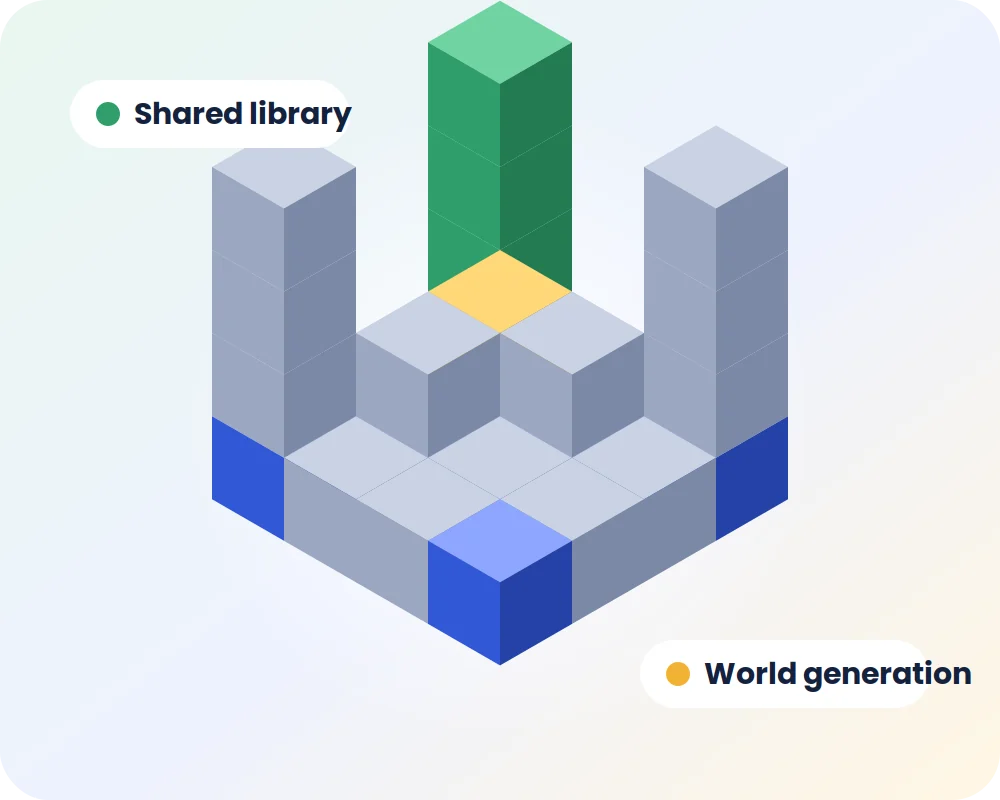
YungsAPI Mod is a library mod written by YUNG for Minecraft Java Edition. Instead of every structure mod carrying its own copy of the same code, the shared parts live in YUNG's API: tools for building structures piece by piece, processors that decorate blocks as they generate, configuration helpers and loader support.
That is why the library shows up as a required dependency the moment you add a mod like Better Dungeons. It does not change your world on its own, but without it those mods cannot start.
Players never see these tools directly, but they are the reason YUNG's structures generate reliably across versions and loaders.
Helpers for assembling large structures from smaller pieces, placing them safely in terrain and controlling how rooms and corridors connect. Dungeons, mineshafts and strongholds all rely on this layer.
Reusable rules that swap, age and decorate blocks while a structure generates, giving builds a weathered, hand-made look.
Common config handling so each YUNG's mod exposes clear, consistent settings for pack makers.
Math, randomness and placement helpers used when structures pick their spot in the world.
Common code shared between Forge, Fabric and NeoForge builds, which keeps behaviour the same across loaders.
The library is updated alongside YUNG's mods, from legacy 1.16.5 up to the latest source branches.
No new blocks, items or screens. The library loads quietly and only does work when a dependent mod calls it, so it adds almost nothing to startup time or memory use.
When Minecraft starts, Forge, Fabric or NeoForge loads YungsAPI Mod from your mods folder before the mods that need it.
Better Dungeons, Better Mineshafts and the rest register their structures using the shared tools in the library.
As you explore, the library helps place and decorate each structure so it fits naturally into the terrain.
Pick the build that matches both your loader and your Minecraft version. Popular combinations include YungsApi 1.20.1 Forge, YungsApi 1.20.1 Fabric and Yungsapi mod 1.21.1 NeoForge.
| Minecraft | Forge | Fabric | NeoForge | Typical use |
|---|---|---|---|---|
| 1.16.5 | Available | Check files | Check files | Legacy Forge packs |
| 1.18.2 | Available | Available | Check files | Older long-term packs |
| 1.19.2 | Available | Available | Check files | Popular adventure packs |
| 1.20.1 | Available | Available | Check files | Most common modpack version |
| 1.21.1 | Check files | Available | Available | Modern NeoForge packs |
| 26.1.x | Check files | Check files | Check files | Newest source branch |
Availability changes with each release. "Check files" means you should confirm the loader and game version listed on the official file page before installing.
Add Better Dungeons or Better Strongholds to a singleplayer world for richer underground adventures.
Ship one library file that satisfies every YUNG's mod in the pack, with versions kept in sync.
Run redesigned structures on a multiplayer server so every player discovers the same builds.
Study the open source code to see how YUNG handles structure generation across loaders.
The steps are the same on Windows, macOS and Linux. Only the loader installer differs.
Install Forge, Fabric or NeoForge for the exact Minecraft version you play and launch it once so the mods folder is created.
Choose the file built for your loader and game version. On Fabric, add Fabric API as well.
Copy the YungsAPI Mod .jar into .minecraft/mods or your launcher instance mods folder.
Drop in Better Dungeons, Better Mineshafts or any other YUNG's mod that lists YUNG's API as a dependency.
Start the game with your loader profile, then create a world or travel to unexplored areas to see the new structures.
Get the latest YungsAPI Mod source release straight from the official YUNG-GANG repository on GitHub.
This archive contains the project source for developers and self-builds. To play, use the compiled .jar for your loader from the official mod listing.
Version numbers follow Minecraft releases. For a full change history, read the commit log and release notes on the official repository.
A YUNG's mod is installed without the library. Add the YungsAPI Mod build for the same loader and game version.
Usually a loader mismatch, such as a Fabric file on Forge. Check the file name and replace it with the correct build.
Two versions of YungsAPI Mod are in the folder. Delete the older one so only a single copy remains.
Fabric API is missing or outdated. Install the Fabric API version made for your Minecraft release.
You are exploring chunks that were generated before the mods were added. Travel to unexplored areas or start a new world.
The dependent mod needs a newer library. Update YungsAPI Mod and the YUNG's mod together.
Need a detailed walkthrough? Read the YungsAPI Mod crash fixes guide.
Download NowStep-by-step articles for NeoForge, Forge, Fabric, servers and fixing errors.
Install Yungsapi mod 1.21.1 NeoForge step by step, from the NeoForge installer to placing YUNG's API and its dependent mods.
Read the guideHow to install YungsApi 1.20.1 Forge in a modpack, match Forge builds and avoid the most common dependency mistakes.
Read the guideSet up YUNG's API Fabric on Minecraft 1.20.1, pair it with Fabric API and confirm your structure mods load correctly.
Read the guideTwenty answers about compatibility, installation and fixes. Pick a category to switch the list.
YungsAPI Mod (YUNG's API) is a shared code library created by YUNG for his Minecraft Java Edition mods. It holds common tools for structures, world generation and configuration, so mods such as YUNG's Better Dungeons and YUNG's Better Mineshafts can rely on one tested base instead of repeating the same code.
No. On its own, YungsAPI Mod does not add visible content to your world. It only provides the code other mods use. You will notice a difference once you install one of the YUNG's mods that depend on it.
Most of YUNG's structure and world generation mods list it as a required dependency, including Better Dungeons, Better Mineshafts, Better Strongholds, Better Desert Temples, Better Ocean Monuments, Better Witch Huts, Better Nether Fortresses, Better Jungle Temples, Better End Island, YUNG's Bridges and YUNG's Extras. Always confirm the dependency list on each mod page for your exact version.
Yes. YUNG's API Fabric builds are available for several Minecraft versions, including 1.20.1. On Fabric you also need Fabric API installed in the same mods folder.
Yes. Newer Minecraft versions such as 1.21.1 have YungsAPI Mod NeoForge builds. Use the NeoForge file only with a NeoForge installation, not with Forge or Fabric.
Yes. YungsApi 1.20.1 Forge is one of the most widely used versions because many large Forge modpacks are built on Minecraft 1.20.1.
Legacy YungsApi 1.16.5 builds exist for older Forge modpacks. They will not receive new features, so use them only when your pack or world is locked to Minecraft 1.16.5.
No. YungsAPI Mod is a Java Edition mod and needs Forge, Fabric or NeoForge. It cannot be installed on Bedrock Edition, consoles or mobile versions of Minecraft.
Yes. YUNG's API is free to download and use, and its source code is published openly on the official GitHub repository.
No. This is an independent guide that explains the library and points to the official source repository. It is not operated by or affiliated with YUNG, Mojang Studios or Microsoft.
The main Download button provides the source code archive of the 26.1.2 branch from the official YUNG-GANG GitHub repository. It is useful for developers and for building the mod yourself. Players who only want to play usually need the compiled .jar file for their loader from the official mod listing.
Place the .jar file inside the mods folder of your Minecraft installation or launcher instance, next to the YUNG's mods that need it. The default location is the .minecraft/mods folder.
Install it anywhere the dependent YUNG's mods are installed. A multiplayer server needs it if the server runs those mods. Check each mod page to see whether players joining the server also need matching files.
The loader found a YUNG's mod that depends on YUNG's API but could not find a matching library file. Add the correct YungsAPI Mod version for your loader and game version, then restart the launcher.
No. Each build is made for one loader. Forge, Fabric and NeoForge files are not interchangeable, so the file must match both your loader and your Minecraft version.
Only on Fabric. The Fabric version of YUNG's API needs Fabric API, while the Forge and NeoForge versions do not.
The library itself is lightweight. Any extra load comes from the structure mods you add, mostly while new chunks generate. Pre-generating the world or allocating reasonable memory helps on large packs.
New and redesigned structures only appear in chunks that have not been generated yet. You can keep an existing world and explore new areas, or start a fresh world to see them everywhere.
Close the game, delete the old YungsAPI Mod file from the mods folder, add the new version and make sure only one copy remains. Update dependent YUNG's mods at the same time if their pages recommend it.
Yes. Extract the archive, install the Java Development Kit version the project expects and run the included Gradle wrapper build task. The compiled files appear in the build output folder of each loader module.